Transfer From M1 Finance to Robinhood in 2024
Step-by-step instructions on how to move account, stocks, and other assets from M1 Finance
to Robinhood. How much does a transfer cost and how long does it take.
Transfer from M1 to Robinhood
To transfer from M1 to Robinhood, you must initiate the transfer request from a Robinhood
account. If you don't have a Robinhood account, open one here: Free stock up to $200 and 1% IRA match when you open an account.
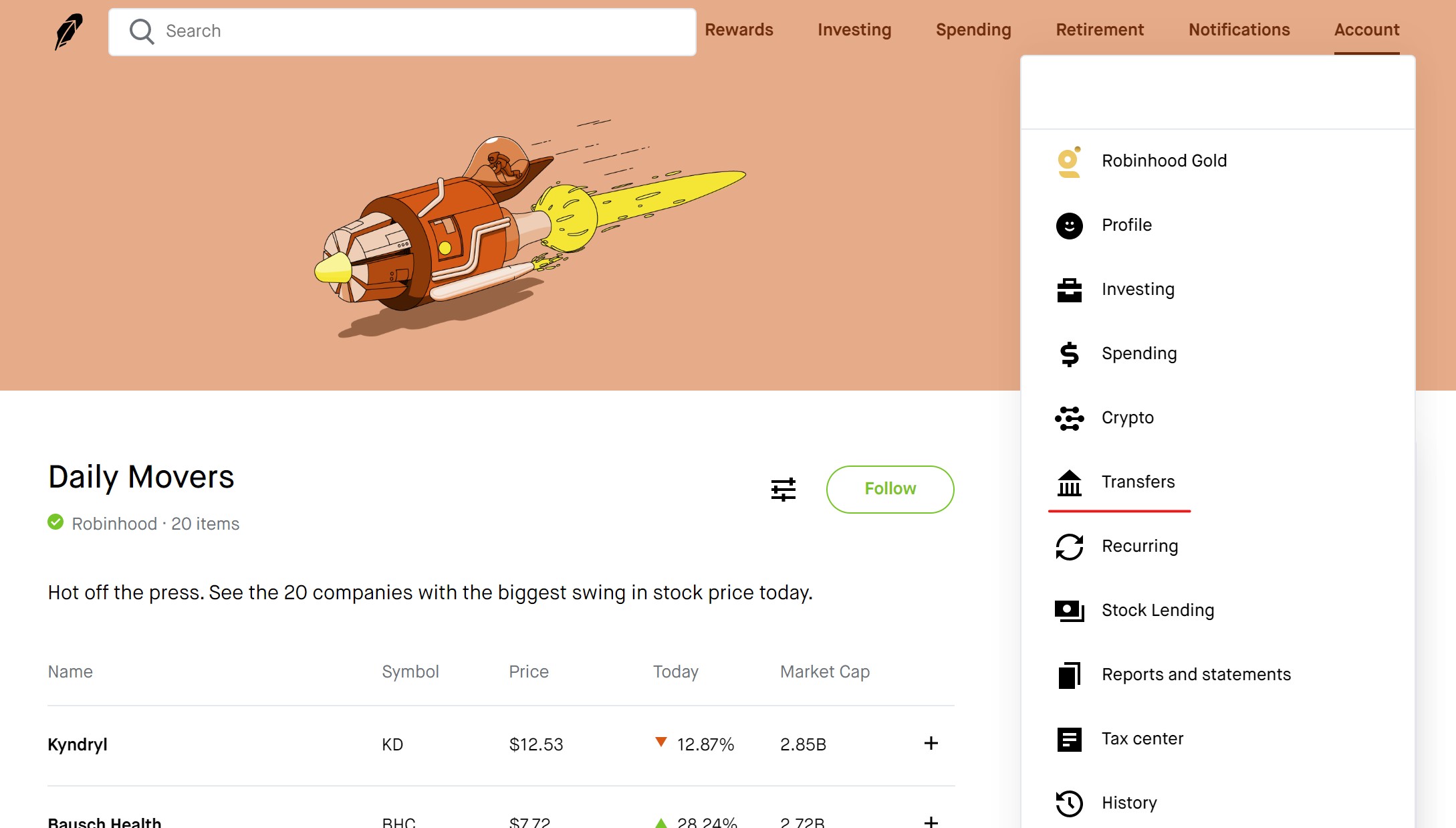
To set up an ACATS transfer from M1 to Robinhood, navigate to the 'Transfers' menu under 'Settings' from your Robinhood account. Then, select 'Transfer accounts in' to start the process.
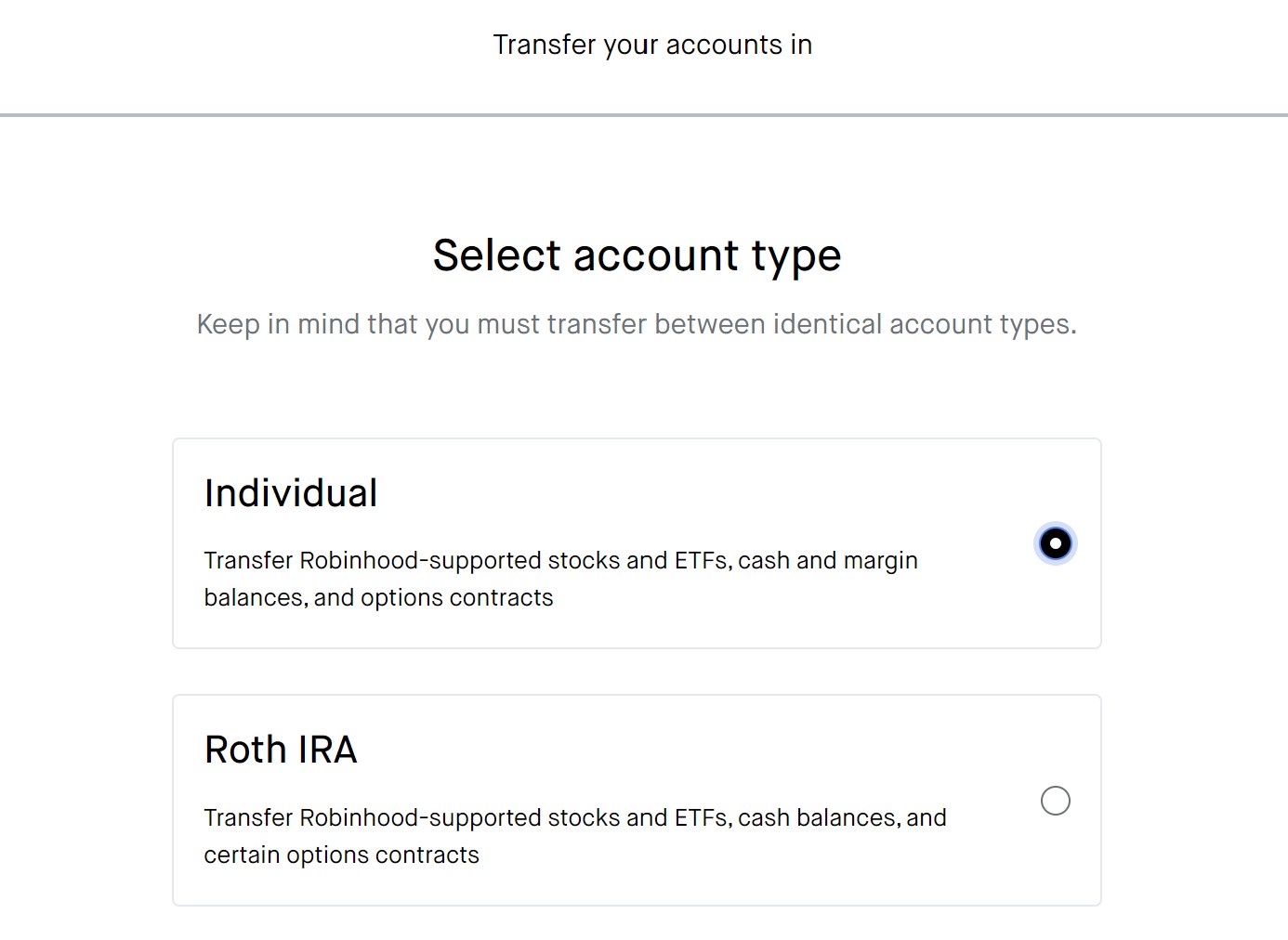
The first step in the process is to choose the account type that you will transfer. Options include brokerage accounts (margin and cash) and retirement (Traditional and Roth).
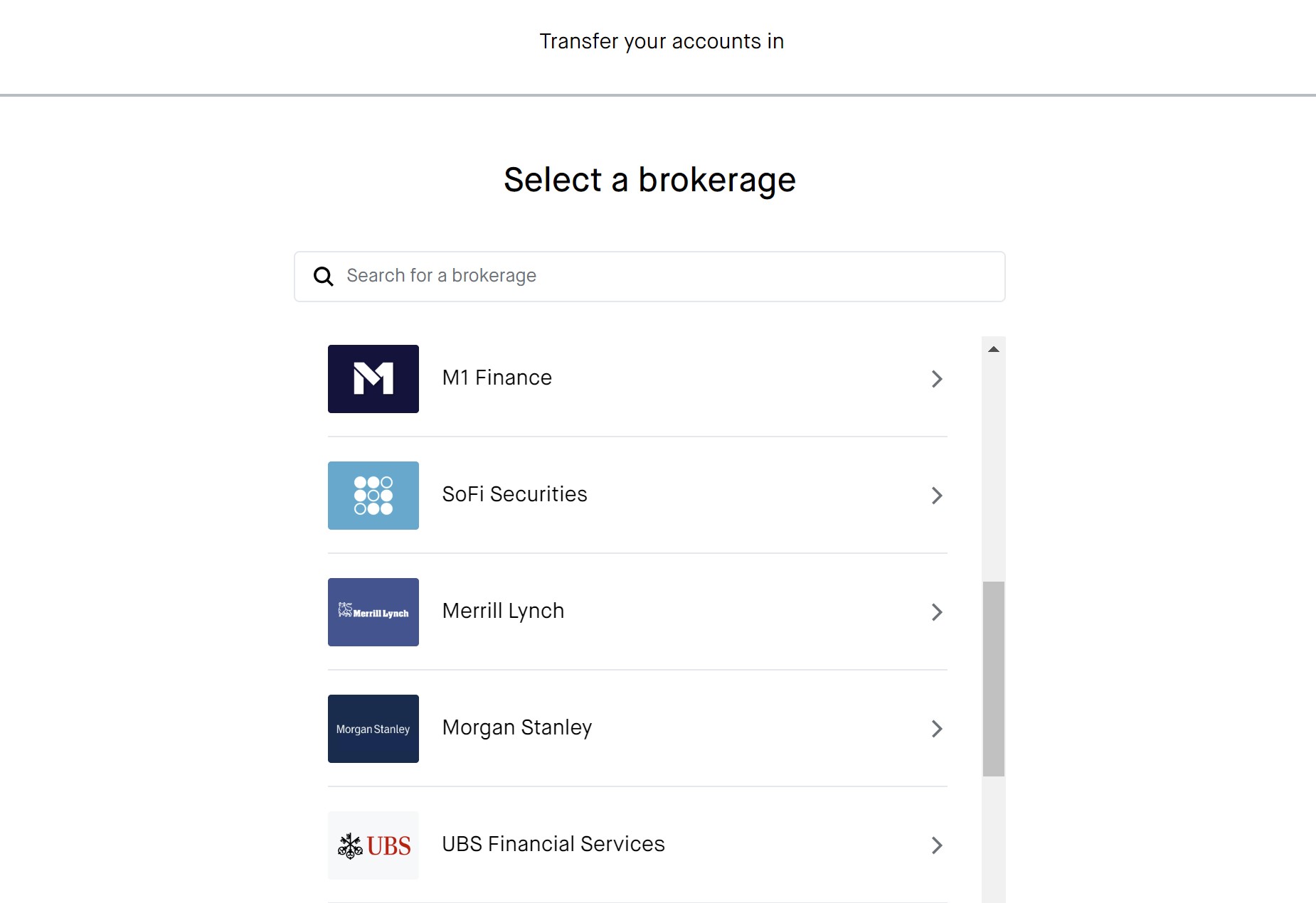
The next step is to search for M1 from the list of brokers and enter your M1 Finance account number.
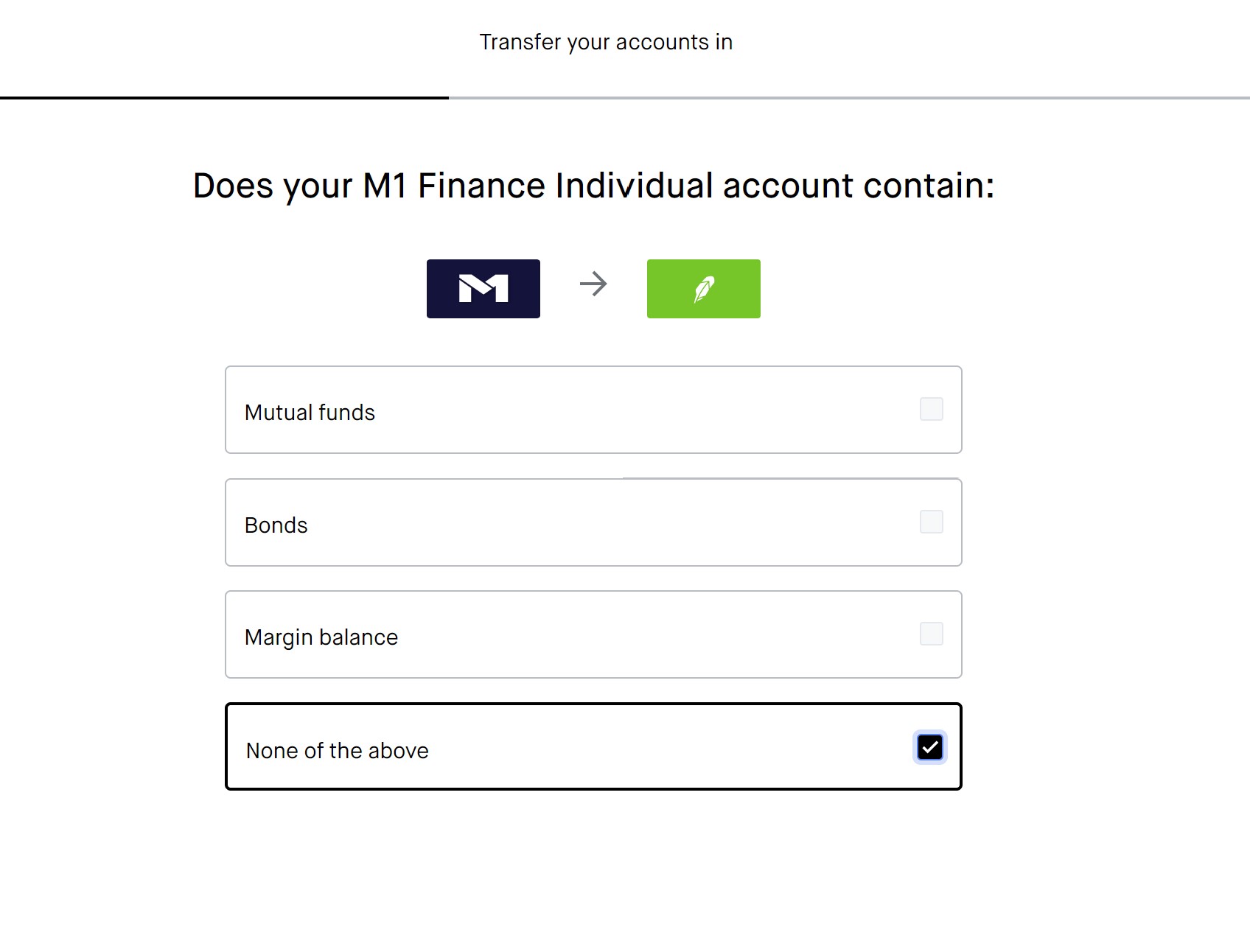
After that, you must indicate the types of securities that you plan to transfer. In most cases, selecting ‘None of the Above’ is the best option. Doing so unlocks the ability to initiate a complete account transfer.
You’ll then decide between a full or partial account transfer. If you choose a full account transfer, your M1 account will be automatically closed as soon as the transfer completes. A partial account transfer will leave your M1 account open while allowing you to move the securities you choose.
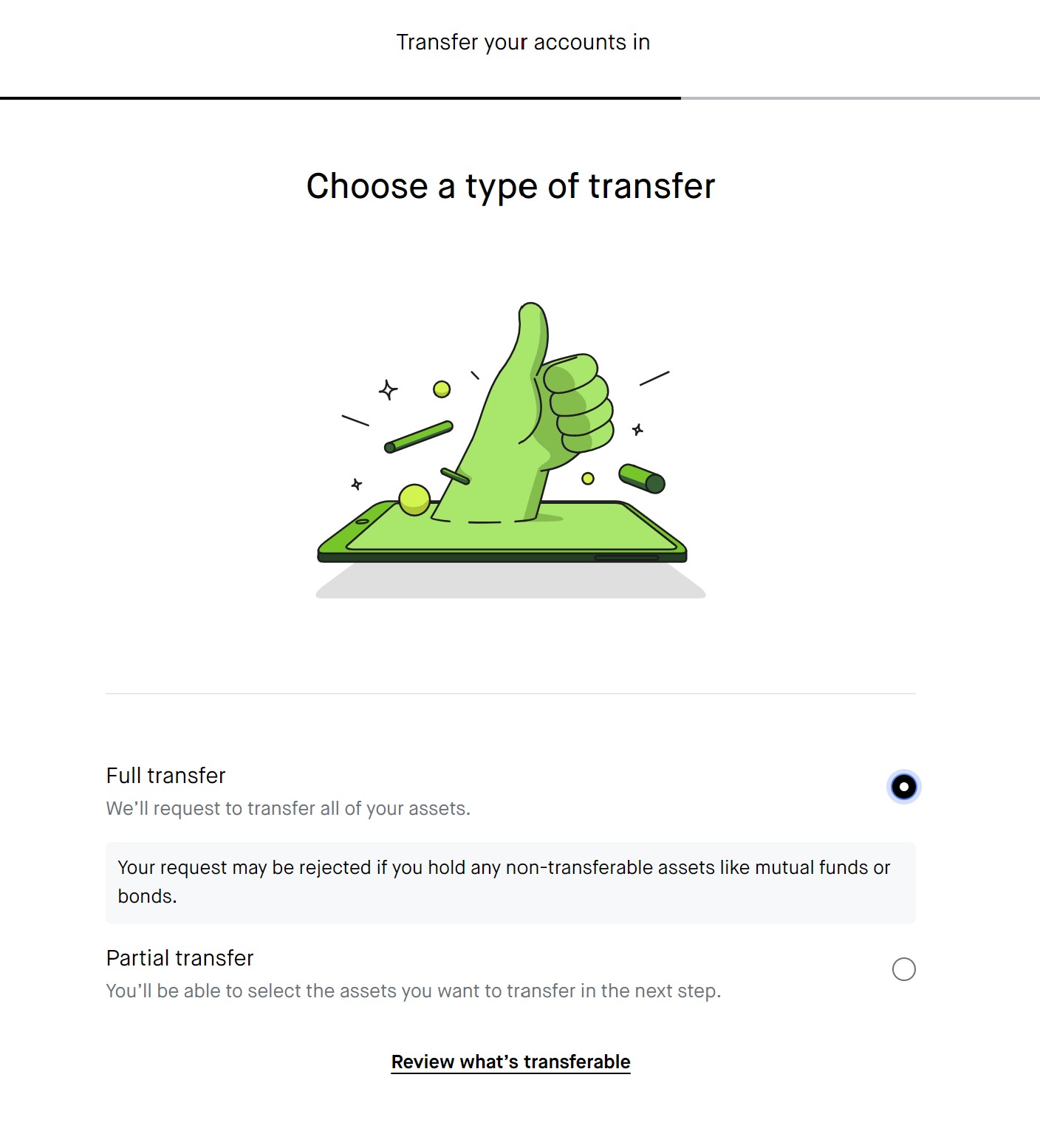
After reviewing the terms and conditions of the transfer request and confirming your transfer details, you can submit your request and wait for Robinhood to update you.
Free Robinhood Account
Open Robinhood Account
How Long Does the Transfer Take?
The transfer process from M1 to Robinhood typically takes about a week, but it may take longer in case of any issues. To speed up the process, making sure that your M1 account is properly set up will help you avoid unwanted delays.
Before setting the transfer in motion, you should wait for transactions in your M1 account to settle and clear any outstanding debts with M1.
Transfer Cost
Account transfers at Robinhood are free.
The broker also reimburses up to $75 in transfer fee per account.
Robinhood’s ACATS reimbursement program covers most of the transfer cost if you are moving a brokerage account, but you’ll pay a bit extra to move a retirement account.
M1 charges $100 for outbound brokerage account transfers and $200 for outbound retirement account transfers.
Please note that your transfer must be at least $7,500 to qualify for reimbursement.
Eligible Account Types
As mentioned previously, Robinhood is limited in the account types that it offers. M1 Finance is too, but Robinhood is even more so.
To transfer an account from M1 Finance to Robinhood using the ACATs system, you need to make sure that your Robinhood account has the capabilities and permissions to accept securities from your M1 account.
The following accounts are eligible:
* Individual Cash
* Individual Margin
* Traditional IRA
* Roth IRA
Robinhood does not accept transfers from other account types, such as custodial, joint, business, or trust accounts.
Eligible Securities
As the account types are relatively limited at Robinhood, so too are the supported securities. Luckily, M1 Finance’s list of available securities is even more limited than Robinhood’s.
Since M1 doesn’t offer trading in mutual funds, bonds, CDs, options, OTC, Forex, or futures, you won’t have any issues transferring your assets over to Robinhood. Just make sure that all your transactions have fully settled.
Promotions
There are many reasons to transfer a brokerage account to Robinhood, including taking advantage of the broker’s promotions.
Newly opened and funded accounts receive a free stock valued between $5 and $200:
Free stock up to $200 and 1% IRA match when you open an account.
Free Robinhood Account
Open Robinhood Account
Robinhood Pros
Moving your account from M1 to Robinhood provides various advantages such as reduced fees and commission rates, a mobile app and user-friendly trading platform, direct access to cryptocurrency markets, IRAs with a 1% match on deposits, and a specialized crypto wallet for Ethereum-based tokens.
|